RECURSOS DOCENTES
Explore a collection of practical resources designed to support graphic design educators in creating more flexible, engaging, and accessible learning experiences. Here you will find activities, templates, games, links, digital tools, and teaching ideas that can be adapted to different courses, projects, and student needs.
AIGA Design Teaching Resources
También estaba en aquella conversación. Tiene currículos, lesson plans, presentations, assignments y project prompts para Graphic Design, Digital Art y Photography. Está más orientado a secundaria/high school, pero muchos proyectos pueden servir como referencia o adaptarse para Fundamentals.
AIGA Design Teaching Resources-Resources
A curated collection of resources for design educators covering course planning, pedagogy, assignment development, graphic design, typography, accessibility, diversity and inclusion, design history, and student support. Faculty can use these materials to strengthen course structure, expand teaching strategies, and create more inclusive and student-centered learning experiences.
AIGA in the Classroom
A collection focused on the everyday practice of teaching design, including critique, creative process, feedback, and studio learning. The resources can help faculty build more constructive critique environments, support reflection and iteration, and encourage students to communicate the reasoning behind their design decisions.
Adobe Education Exchange
Adobe Education Exchange provides teaching resources, professional learning opportunities, and educational materials related to Adobe’s creative ecosystem. Graphic Design faculty can use it to connect software instruction with broader creative objectives and develop activities that help students apply digital tools within meaningful design processes rather than learning software in isolation.
Adobe for Higher Education
Adobe’s Higher Education resources are designed specifically for colleges and universities. Faculty can explore classroom-ready learning kits, professional resources, events, and examples of how Adobe tools are incorporated into higher education. It is particularly useful for connecting professional creative software with project development, communication skills, portfolio building, and active learning.
CAST Universal Design for Learning
A practical visual guide that introduces accessibility as part of the design process rather than something added after a project is completed. It addresses hierarchy, reading order, typography, contrast, color, links, interfaces, animation, and usable controls. It is particularly useful for teaching accessible web, UI/UX, interaction, and digital communication design.
WebAIM — Contrast Checker
A simple tool for evaluating the contrast between foreground and background colors according to WCAG accessibility criteria. Graphic Design students can test color combinations used in typography, interfaces, branding, and digital layouts and make evidence-based adjustments to improve readability and accessibility. It works especially well as part of critiques, accessibility checks, and final project reviews.
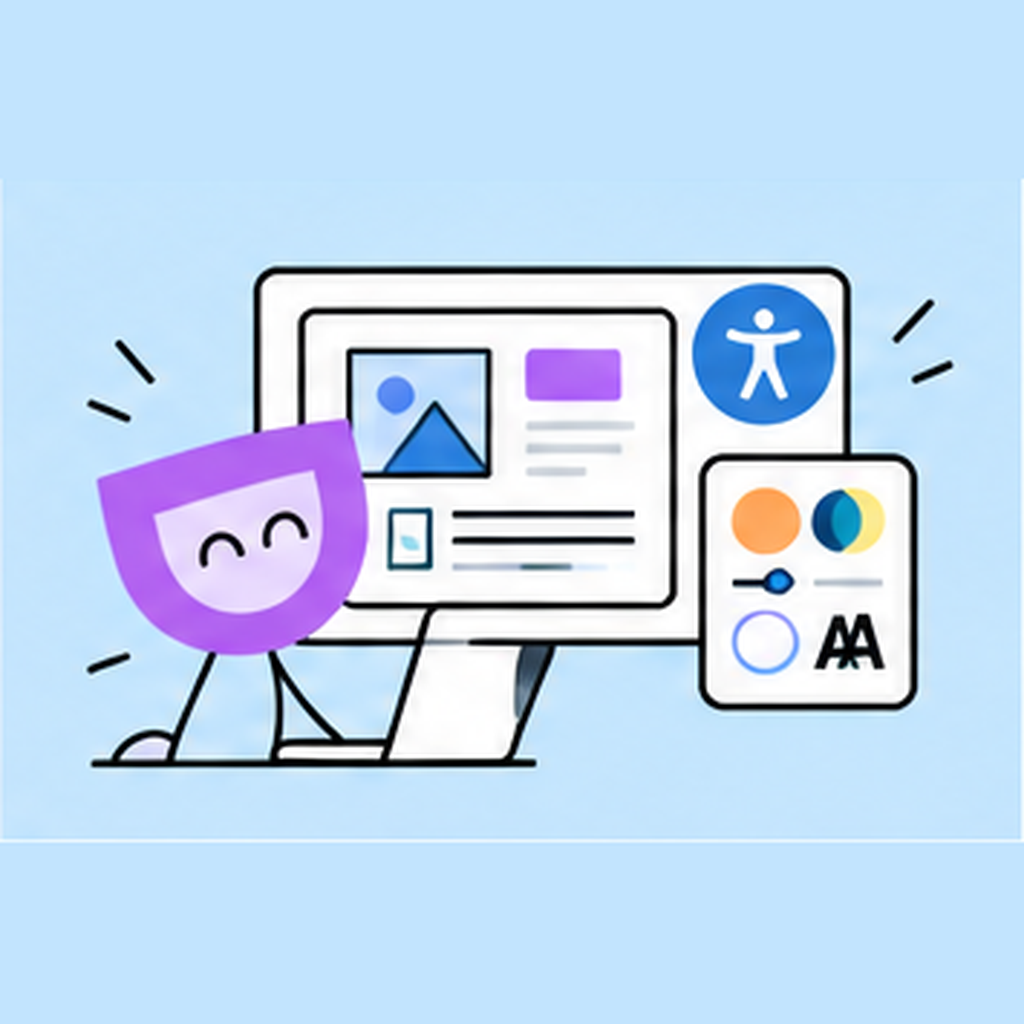
WebAIM - Web Accessibility for Designers
A practical visual guide that introduces accessibility as part of the design process rather than something added after a project is completed. It addresses hierarchy, reading order, typography, contrast, color, links, interfaces, animation, and usable controls. It is particularly useful for teaching accessible web, UI/UX, interaction, and digital communication design.
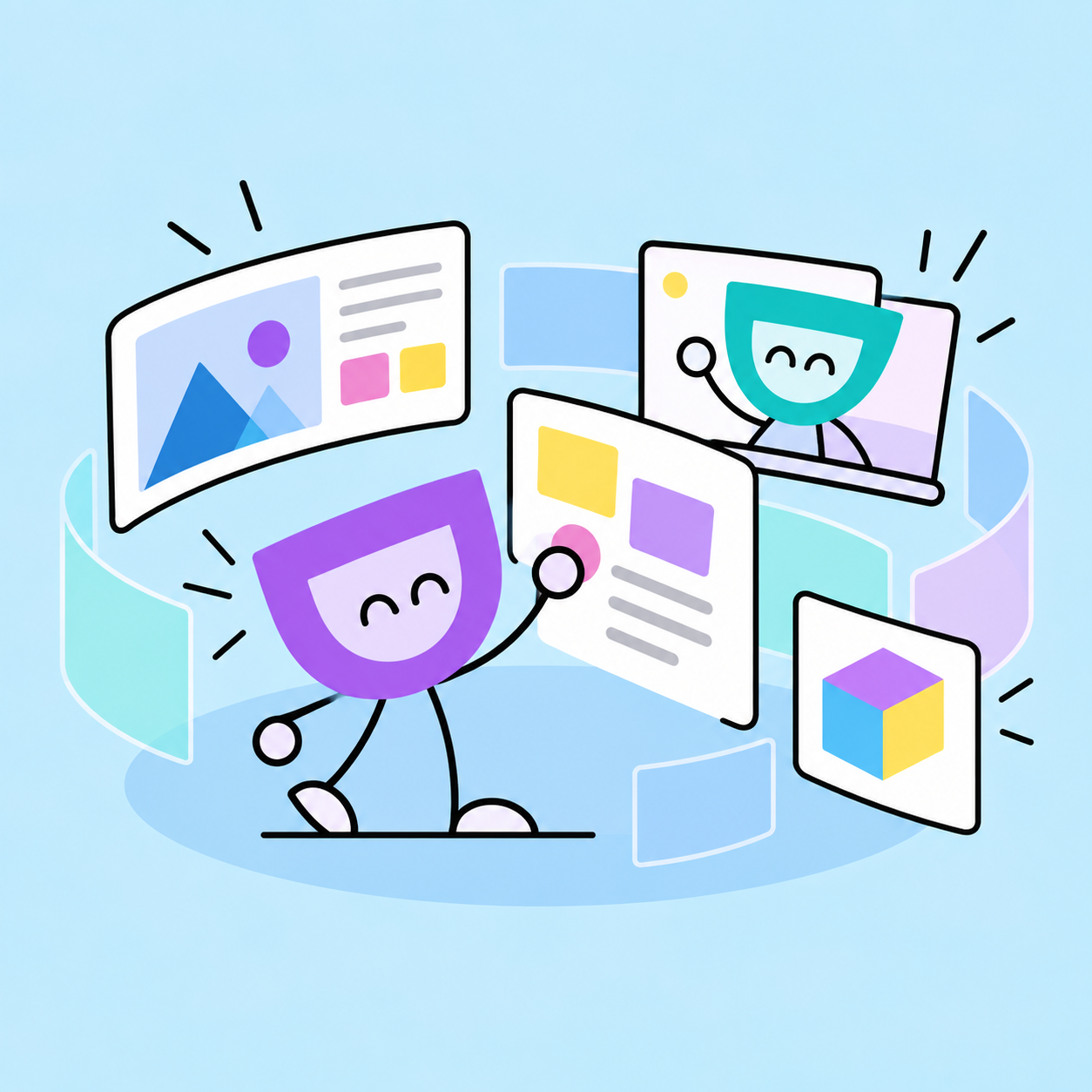
FRAME
Immersive 3D Learning Environments
Frame allows educators to create immersive 3D learning environments where students can explore content, collaborate, communicate, and interact with learning materials in a space that feels different from a traditional classroom or video call. Because it works directly in a web browser across desktop, mobile, tablet, Chromebook, and VR devices, it can provide students with another way to access and experience learning without requiring specialized software.
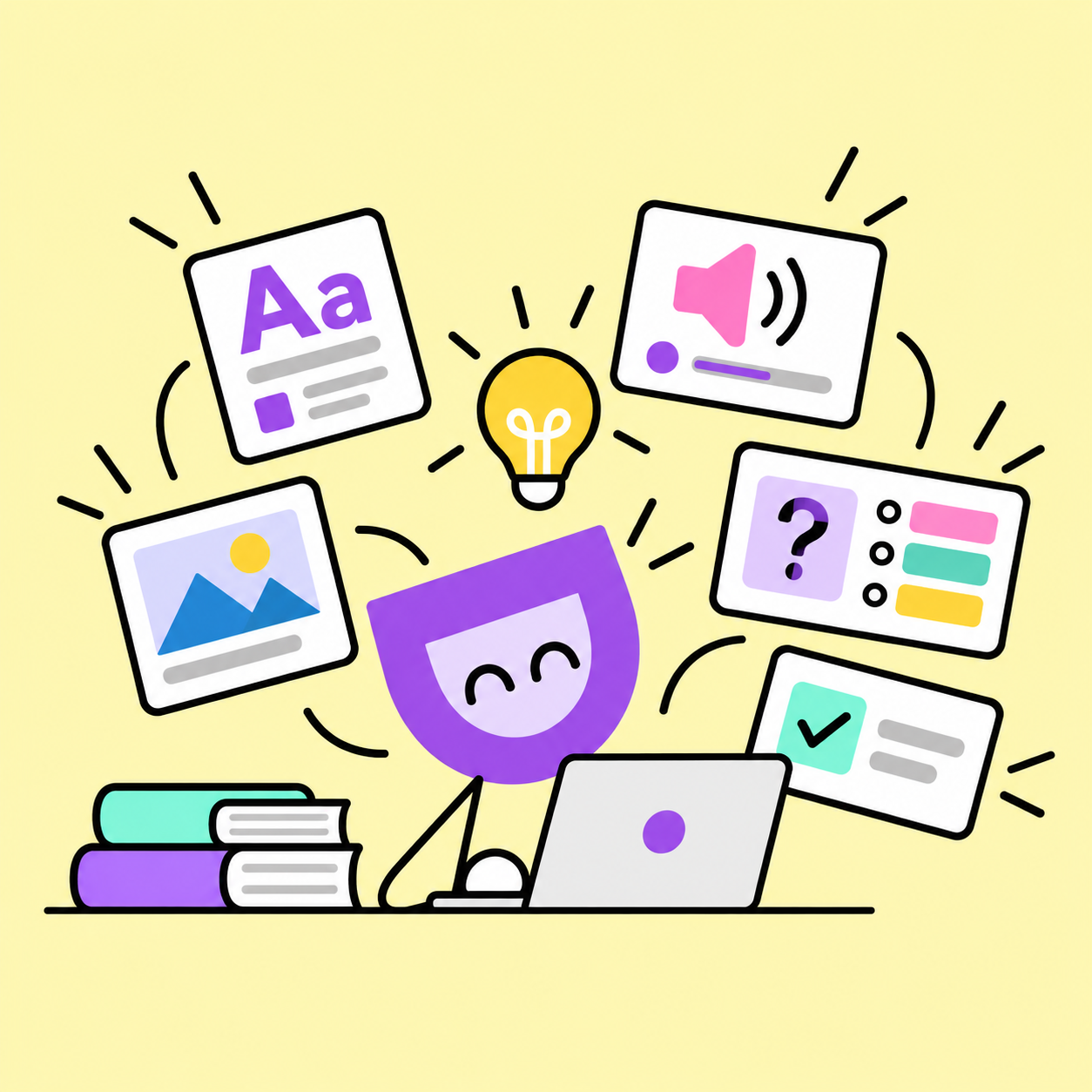
QUIZLET
Create flexible study activities using flashcards, practice questions, tests, games, and audio support. Quizlet allows students to review concepts at their own pace and interact with content in different ways, making it a useful tool for reinforcing design vocabulary, processes, accessibility concepts, and course material through a more flexible and student-centered learning experience.
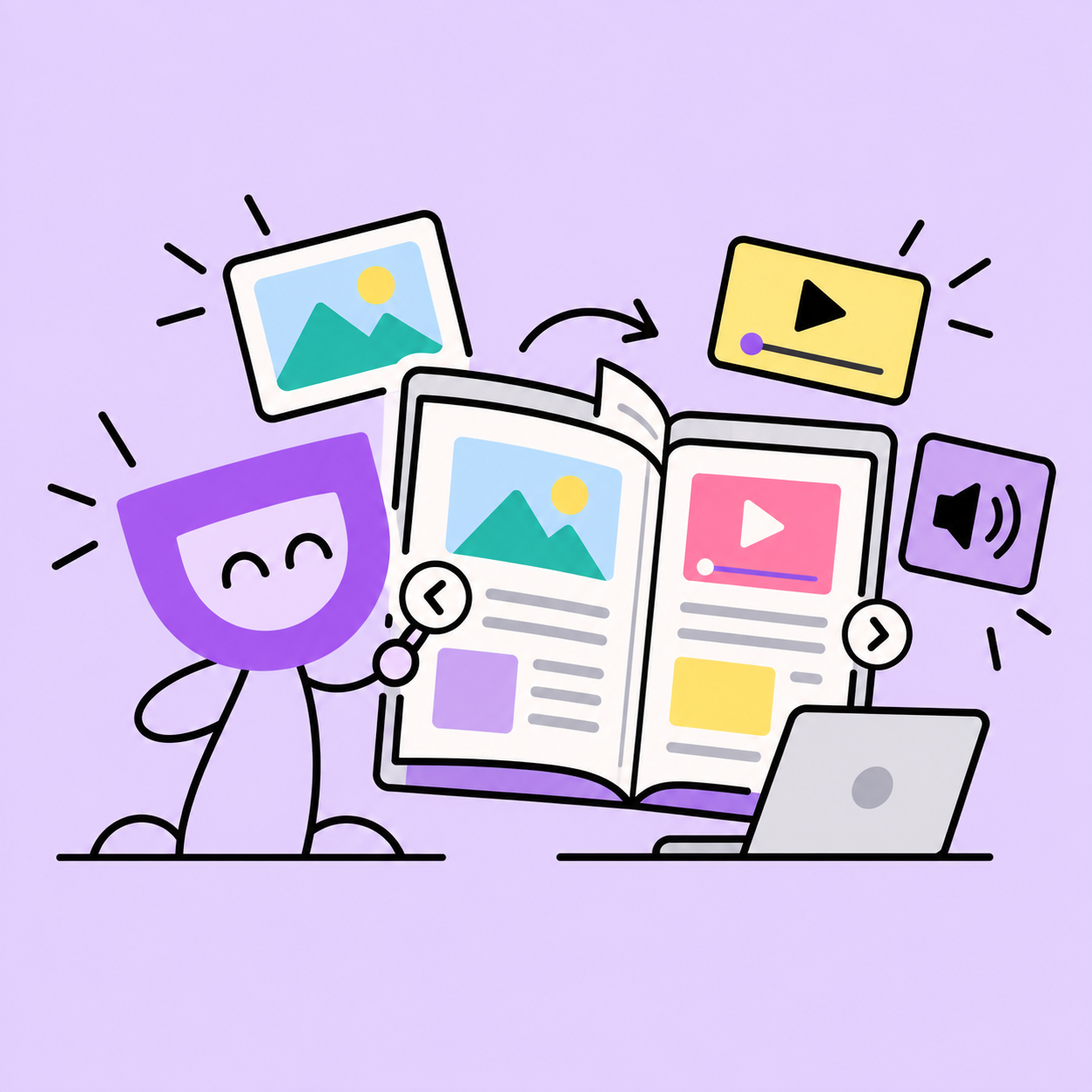
FlipHTML5
Interactive Digital Publications
Transform PDFs, project guides, process books, and publications into interactive digital learning resources. FlipHTML5 allows educators to combine text, images, video, audio, and other media while providing students with flexible online access across different devices. Accessibility features such as adjustable text, keyboard navigation, and screen-reader compatibility can help create a more inclusive way to access course materials.